
VINELink Jefferson County Coverage
Wisconsin runs VINE statewide through the Wisconsin VINE County Jails program. It is a partnership between the Department of Corrections Office of Victim Services and Programs and local law enforcement. Every Wisconsin county participates through jail-management interfaces, per official material. Jefferson County stands out because its jail has no public roster. The jail page sends people to VINELink instead.
VINE works anonymously by web or phone. Wisconsin offers English, Spanish, and Hmong at 1-888-WI-4-VINE, or 1-888-944-8463. County-jail records and DOC custody or supervision records can appear separately. Read the record type before assuming anyone's location. The official program page explains participation and alerts.
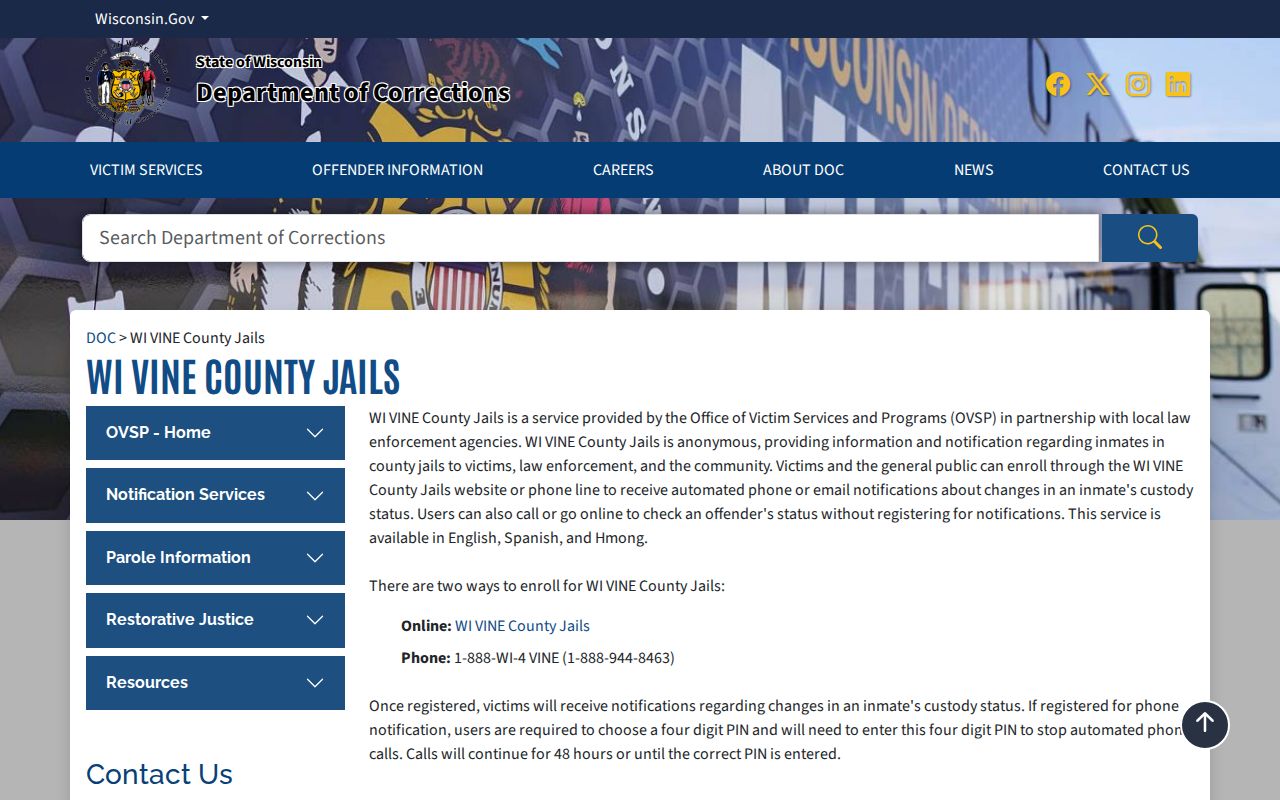
The state page is the authority for coverage, languages, telephone access, and notification limits.
Search a Jefferson County Arrest
Search one person at a time. Compare every identifier you can. A common name can return several Jefferson County arrest records, and picking one just because the county looks familiar invites mistakes. Before trusting a result, confirm whether it is a county-jail entry or a corrections record and whether the status is current.
- Open VINELink Wisconsin and choose the Wisconsin county-jail search.
- Enter the last and first name as requested. Use an identifier only in the field that calls for it.
- Narrow to Jefferson County when the interface provides a county selector.
- Open the likely match and examine record type, status, facility, and identifying details.
- When the result is urgent or unclear, confirm with the Jefferson County Jail Division at 920-674-8620.
Never place a DOC number into a booking-number field unless the interface plainly allows it. Those identifiers belong to different systems. When several matches remain, the jail or the records custodian can sort out the right person. The Wisconsin VINELink interface is the direct search point.
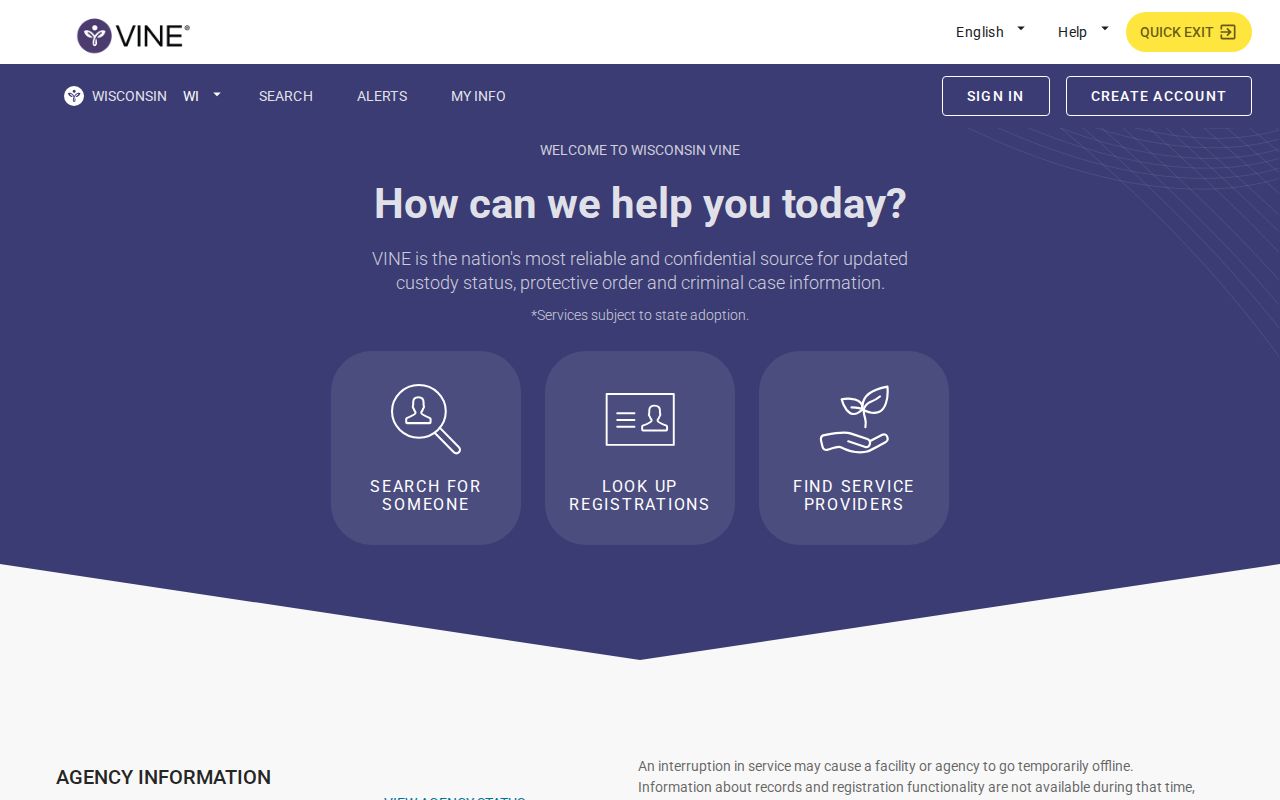
Use the interface for a named Jefferson County custody check, never for browsing a gallery of people.
What Jefferson County VINELink Shows
Fields vary by record and interface. VINE centers on status and notification, not on a complete Jefferson County booking sheet. The underlying jail file can hold far more detail than the public result shows.
| Information | How to interpret it |
|---|---|
| Name | Compare spelling and identifiers; names can match |
| Record type | Distinguish county jail from DOC custody or supervision |
| Custody status | A point-in-time status that may change |
| Facility or county | Where the covered record places the person |
| Identifier | Use only within the matching system |
| Notification option | Registration for covered custody changes |
VINE is no substitute for a booking record. Arrest narratives, full charge history, bond terms, photographs, and court outcomes may all be missing. Ask JCSO for booking material, and use Wisconsin Circuit Court Access for the case result.
Register for Jefferson Custody Alerts
Open the correct person record first. Then choose the "Get Notified" option or its equivalent. Registration attaches to that one record, so identity checking comes first. The program supports phone and email alerts. Save the confirmation details.
- Select the verified Jefferson County jail result.
- Choose the notification option shown for that record.
- Enter a working phone number or email address.
- Create and remember the four-digit PIN required for telephone alerts.
- Save confirmation information and update contact details if they change.
Wisconsin says telephone alerts can keep calling for 48 hours. They stop once you enter the correct PIN. The PIN acknowledges the call and stops repeats, so keep it private. An alert is a notice from the custody-data system. It is not a promise of every operational detail.
Release, transfer, and other supported status changes can each trigger a notice. Choices vary by record. The county-jail registration option may be grayed out because the result is DOC-only. Return to the search and confirm you picked the right record type.
Fresh Jefferson Arrest Data Lag
A new Jefferson County booking may not appear instantly. Intake, identity checks, and data transmission all happen first. The county promises no fixed VINE posting interval. For an arrest believed to have just happened, use the same-day fallback. Search VINE. Call the Jail Division. Contact the arresting agency if the person may have been cited or released.
A missing result has many explanations. The person may be outside Jefferson County, transferred, released, or cited without booking. They may also be held under federal authority, or simply not posted yet. Repeatedly refreshing an unofficial mugshot page resolves none of that.
For urgent safety or release planning, confirm with the responsible agency. VINE is valuable, but alert delivery never replaces direct official confirmation.
VINELink Is Not Court Disposition
VINE handles custody only. Wisconsin Circuit Court Access is where filed-case details live, from case numbers and charges to hearings, pleas, dismissals, amendments, and final outcomes. The charge listed at booking will not always match what a prosecutor later files, so the court docket remains the authoritative record.
Alerts also need careful reading. A release notice tells you the custody status changed, not that the case ended. A transfer notice just means a new facility. For anything beyond custody, follow the docket and official notices from the court or your attorney.
- Custody status
- Where the covered system reports the person at that time.
- Release
- An end or change in the tracked custody event, not necessarily the case.
- Transfer
- Movement to another facility or authority.
- Disposition
- The court's resolution of a filed charge.
Jefferson VINELink Coverage Limits
VINE's Jefferson County coverage stops at the county jail. Federal Bureau of Prisons custody sits outside it. The Jefferson County Jail can hold people for the U.S. Marshals or another federal authority. A body in the building does not mean a fresh local arrest. For sentenced federal custody use the BOP locator. Leave other federal detention to the agency doing the holding.
VINE is no historical Jefferson County arrest log. A booking photograph is not promised either. Once custody shifts, what you see online can shift as well. The official booking record stays with JCSO. The sheriff's written Open Records process covers booking sheets, release records, incident reports, and images.
The Wisconsin DOC locator is a different animal. It tracks state prison custody or supervision, not every fresh county booking. A DOC result and a county VINE result can sit together or apart. Match identifiers before merging them.
Jefferson County Alert Backup
The sheriff's mobile app is a handy second channel. County board material lists inmate status, warrants, visitation, bond links, jail accounts, road closures, tips, and news among its features. It is not a full booking-photo feed. No alert schedule is guaranteed either, so treat live app features as a backup to VINE.
JCSO Open Records supplies the underlying documents. Email openrecords@jeffersoncountywi.gov with the full name, approximate date and time, location, agency, and the record you want. Questions go to 920-674-7329. The request itself must be written or electronic, never made over the phone.
Never confront or harass anyone over a result. When names look alike or a status matters for a decision you face today, check the originating agency and the court record before acting.
Public Record Search
Sponsored Results